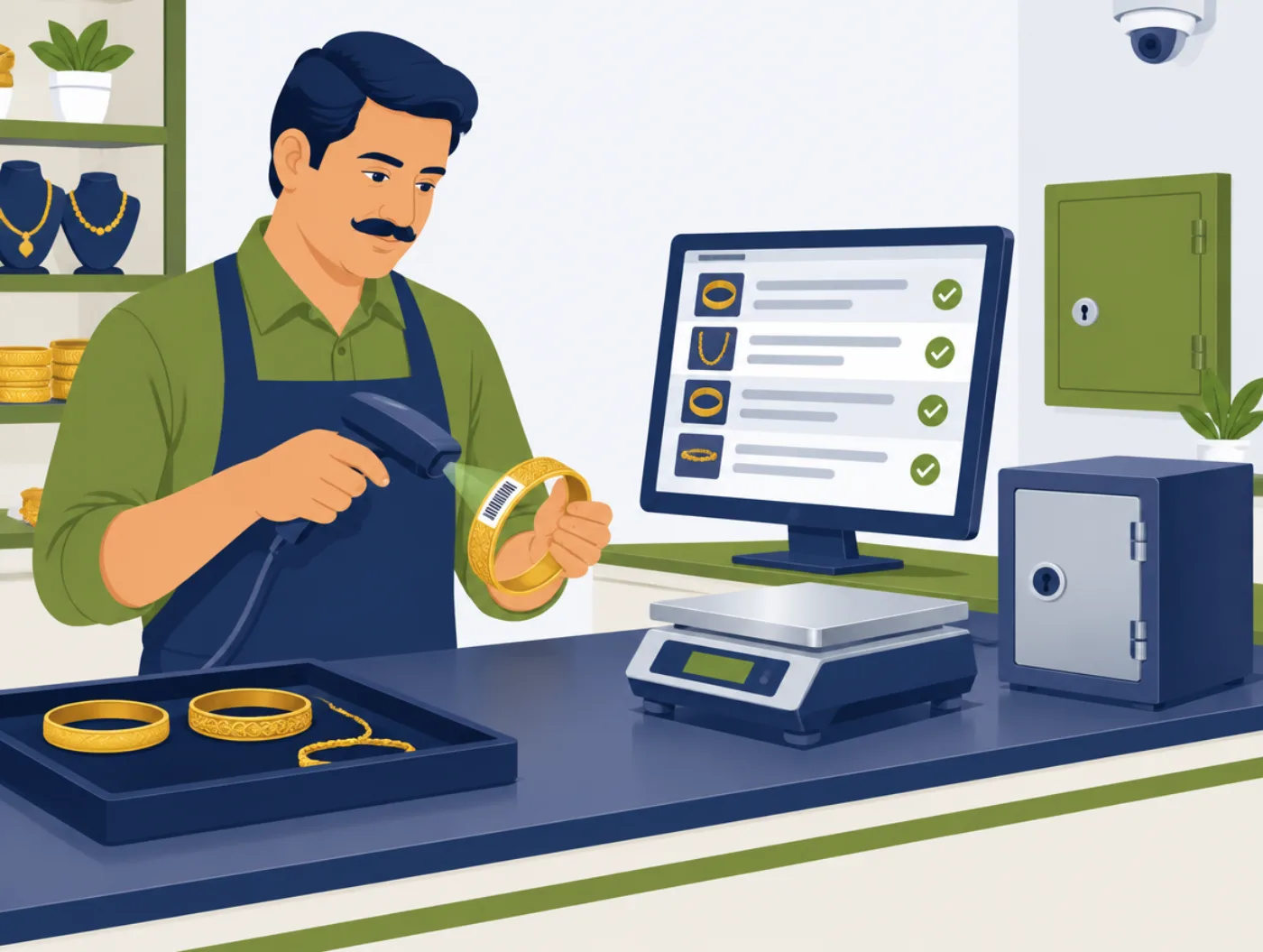
For pawn & gold-loan shops
Pawn Shop ERP
Keep every item, loan and customer record in one place. Get reminders before loans are due, and reports in one click.
- Stock with barcodes
- Loan reminders
- One-click reports
For retail shops
Fast billing software for retail shops in India
Simple POS is billing software for kirana stores, general stores, mobile shops, clothing shops and small cafes. Make a bill in seconds, take UPI, cash or card, and let the stock update itself. You start in about 30 minutes on the computer or tablet you already have.
LOW STOCK
Sunflower oil 1 L
4 left · reorder
TODAY
Sales by UPI, cash and card
Ready at closing time
Screens show example data.
What changes at the counter, in plain words.
BEFORE
Bills are written by hand, and the queue grows in the evening.
AFTER
Scan or search the item, and the bill is ready in seconds.
BEFORE
You count stock by hand to know what to order.
AFTER
Stock reduces on every sale, and you get a low-stock list.
BEFORE
UPI, cash and card are noted in different places.
AFTER
Every payment type is recorded on the same bill and in the day's report.
BEFORE
Day-end totals come from a calculator and a notebook.
AFTER
One report shows sales, payment split and cash in hand.
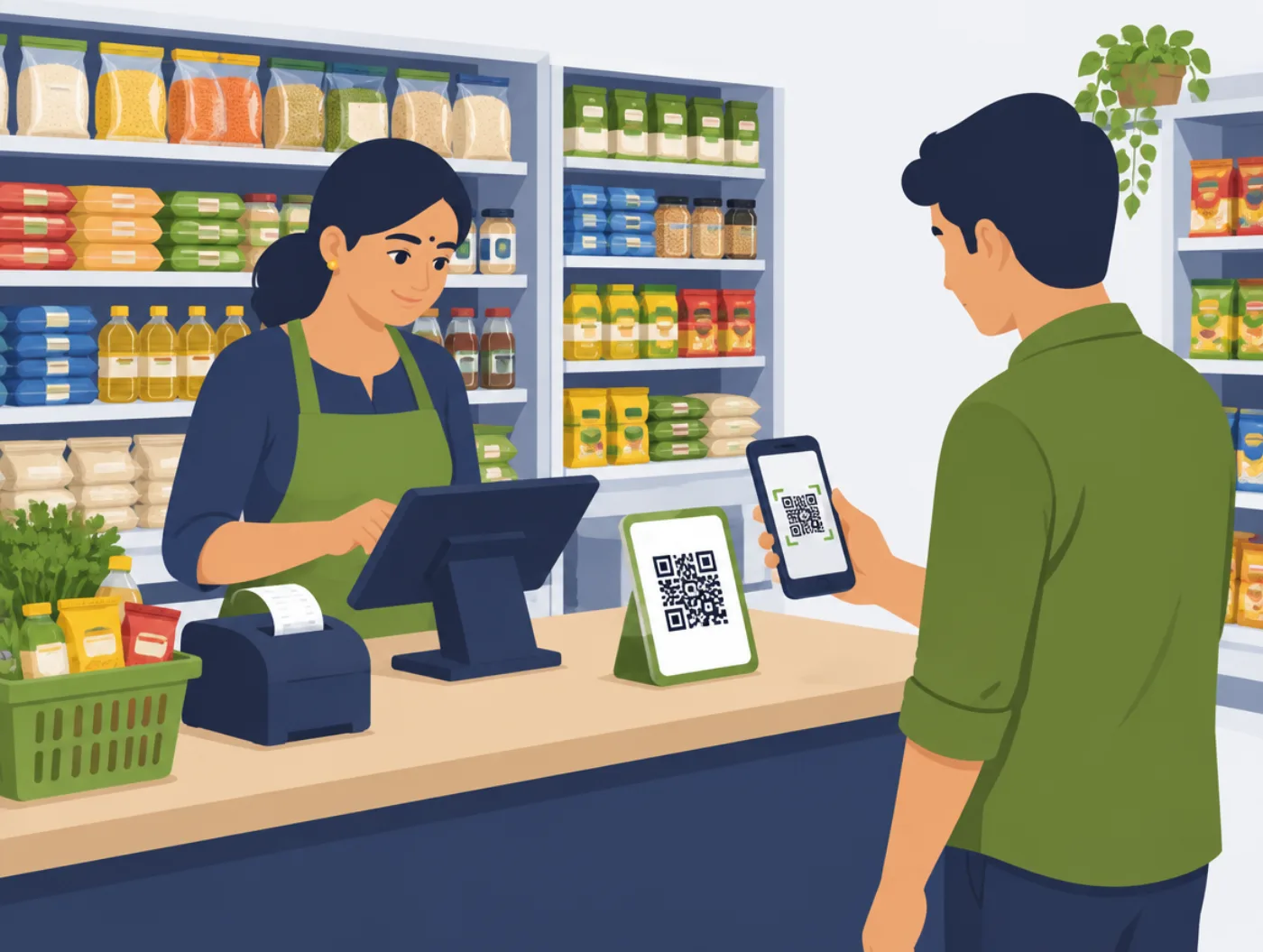
In a busy shop, the queue is where you lose customers. Simple POS is made for speed: find the item by barcode or name, set the quantity, take payment and print or share the bill. Stock reduces on its own.
At the end of the day you see today's sales, how much came by cash, UPI and card, and which items are running low. No more rebuilding the day in Excel at night.
Bring your product list from Excel or add items one by one. Set prices and tax rates once.
Scan or search, take payment, print or share the bill. Stock reduces on its own.
See sales, payment split and low-stock items before you close.
A closer look at what Simple POS includes.
Search by barcode or name, set the quantity, add a discount if needed, and take payment. Print the bill or send it on WhatsApp.
Every sale reduces stock. Set a minimum level and get a low-stock list so you order before items run out.
Take any payment type on the same bill, including split payments. Payment totals are ready at closing time.
Set tax rates and discounts once. Bills show GST correctly, so your accountant gets clean records.
See today's sales, best-selling items and payment split. Export to Excel any time.
Add a second billing counter when you grow. Stock stays in sync across counters.
Bring your product list from Excel. We help you set it up so you do not type every item by hand.
Runs on a PC, laptop or tablet. Add a USB barcode scanner or receipt printer when you want more speed.
No. Start on the laptop or tablet you have. Add a USB barcode scanner or receipt printer later if you want.
Yes. Set your tax rates once, and bills show GST correctly.
Yes. Add a second counter and stock stays in sync across both.
Yes. You can print a bill or share it as a message with the customer.
For pawn & gold-loan shops
Keep every item, loan and customer record in one place. Get reminders before loans are due, and reports in one click.
For wholesale & trading shops
One desk for stock and sales. Purchases, stock, GST invoices, payments and party ledgers for wholesale and dealer shops.
For clinics
Appointments, patient records and reminders in one place. Patients book online and get a reminder before their visit.
Message us on WhatsApp. We will bill a sample cart, show the stock update, and walk through the day-end report.
Get a free demo on WhatsApp