Buying guide7 min readUpdated
POS Software for Retail Shops in India: A Simple Guide
Fast billing, stock that stays correct, and day-end numbers without rebuilding Excel every night.
On this page
Retail in India moves fast. Customers expect UPI, a short queue and a proper bill. If your billing still depends on a calculator and a stock register, the evening rush feels like fire-fighting.
This guide covers what POS software for a retail shop should do, how to avoid paying for features you will not use, and how Cyberzio Simple POS helps kirana, mobile, clothing and small food shops bill with confidence.
What a shop POS really needs to do
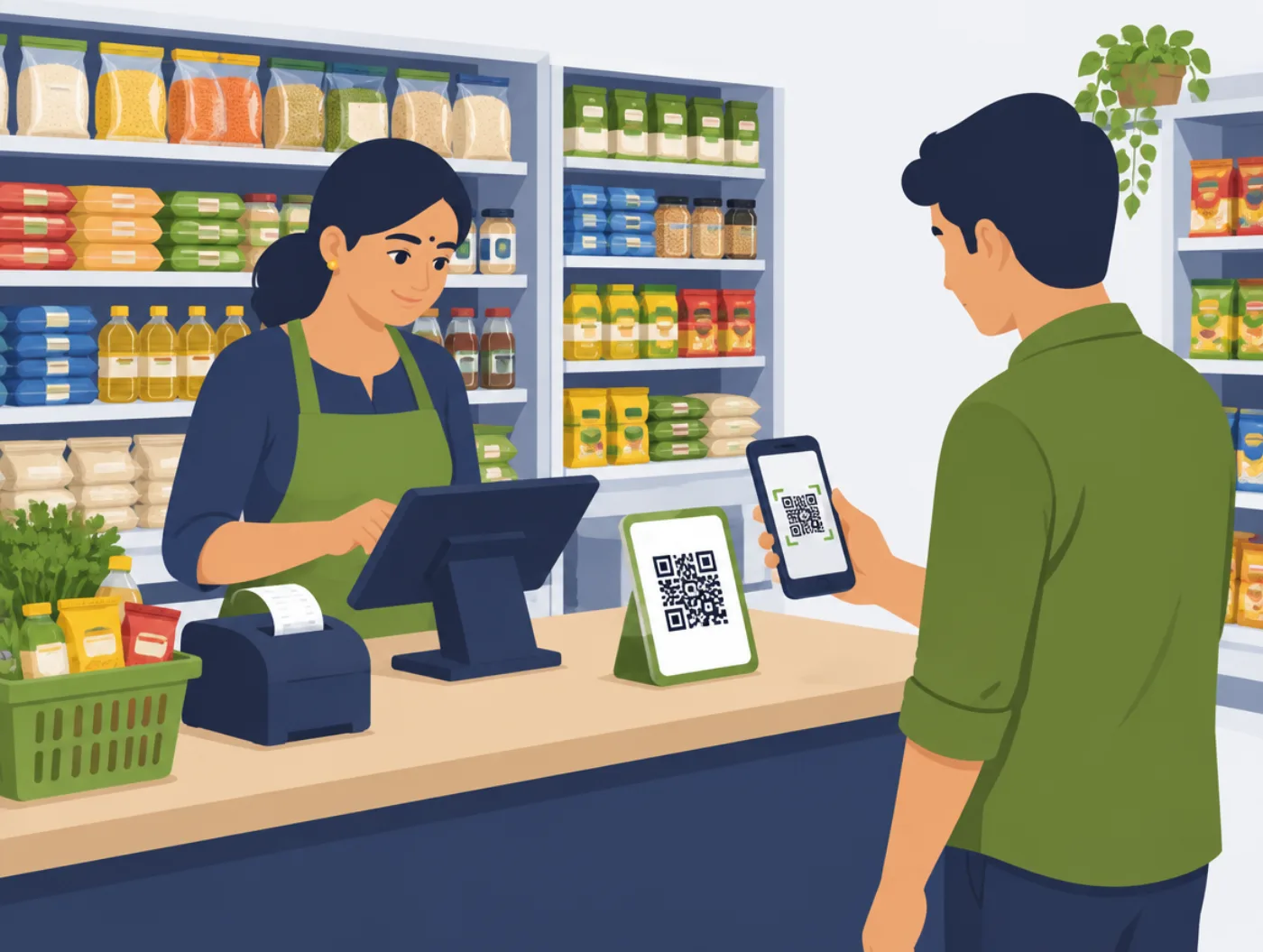
Ignore the 50-module demo. At the counter you need to find the item, set the quantity, give a discount if needed, take payment by cash, UPI or card, print or share the bill, and reduce the stock, without thinking about it.
At closing you need today's sales, the split by payment type, and a cash figure that matches the drawer. That is the heart of good POS software for a small shop in India.
Features that matter for Indian shops
Put these at the top of your list:
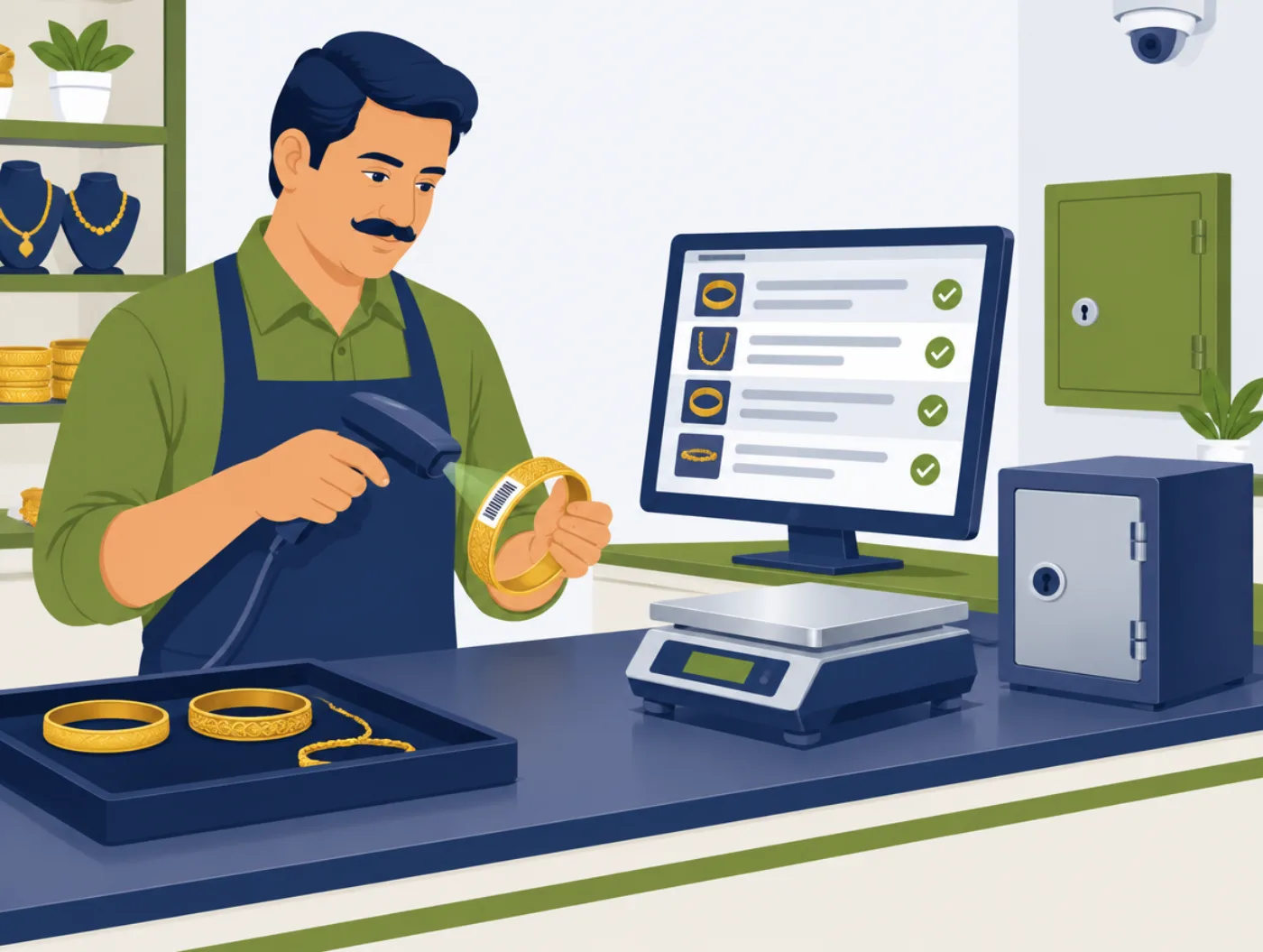
- Billing in seconds, by barcode or name
- Stock that reduces on every sale, with low-stock alerts
- Cash, UPI and card on the same bill, including split payments
- GST-ready tax and discount settings (see what a GST bill must show)
- A second counter when you grow, with stock kept in sync
- Reports you can export for your accountant
- Works on a PC, tablet or phone, so you are not forced to buy costly hardware
Kirana, mobile shop, clothing: same POS, different habits
A kirana store needs speed and many small bills. A mobile shop needs serial number tracking and bigger bills. A clothing shop needs sizes, colours and seasonal discounts.
A good POS lets you start simple and switch on categories, variants or a credit ledger when you need them, without forcing every shop into the same template.
How Cyberzio Simple POS fits
Simple POS is kept light on purpose. Staff learn it in a short session. Stock updates as you sell. The daily report replaces the nightly Excel work. You can start with the devices you already own and add a barcode scanner or printer when you are ready.
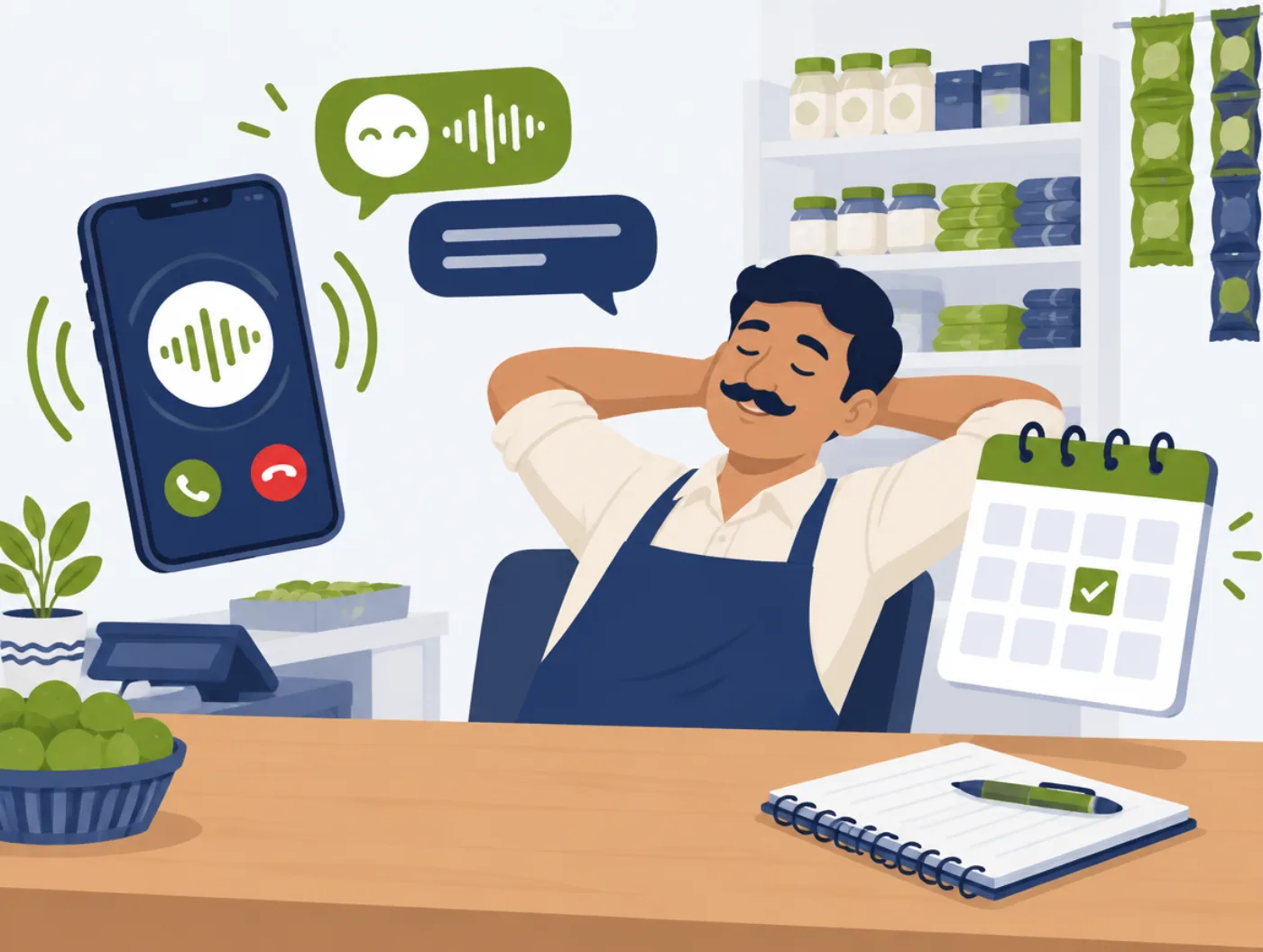
Shop owners usually feel the difference first at the queue: faster bills, fewer 'what is the stock?' arguments, and a cleaner day-end close. If the phone also rings during the rush, AI Voice Agent can answer timings and order questions.
What it costs and what you get
Simple POS is a one-time purchase with no monthly fee. The price depends on how many counters and users you need. We share a clear quote after a short chat on WhatsApp.
The price includes the licence with free updates, help bringing your product list from Excel, setup, staff training and support after purchase.
Checklist before you buy
Tick these off in the demo. If any is missing, ask why.
- A new cashier can bill after one training session
- UPI and cash are recorded correctly for day-end matching
- Your product list can be imported from Excel
- Stock stays in sync if you add a second counter
- Bills show GST correctly
- You can export your data any time
Questions to ask any seller
These work for any software company, not only Cyberzio.
- 01Can I see a bill made from start to finish in the demo?
- 02How does the software handle a split payment, half UPI and half cash?
- 03Will it work with my existing printer and scanner?
- 04Is the price one-time, or is there a monthly fee?
- 05Who do I call when billing stops working during shop hours?
- 06Can I import my product list from Excel, and who does that work?