Buying guide7 min readUpdated
GST Billing Software for Kirana and Small Shops: What to Look For
What a correct GST bill must show, when you need one, and how billing software keeps your accountant happy.
On this page
For a small shop, GST mistakes rarely come from the law. They come from the counter: a wrong rate typed in a hurry, a handwritten bill with no tax split, or a month of bills your accountant has to rebuild from a notebook.
This guide explains what a correct GST bill shows, what GST billing software should do for a kirana or small retail shop, and how Simple POS fits. It is not tax advice; confirm the details for your business with your accountant. For the wider picture, read our retail POS guide.
What a GST tax invoice shows
A registered regular taxpayer's tax invoice generally shows:
- Your shop's name, address and GSTIN
- A unique invoice number and the date
- The customer's name and GSTIN when you sell to another business
- Each item's description, HSN code, quantity and value
- The tax rate and tax amount for each item
- CGST and SGST for sales within your state, or IGST for sales to another state
- The total, and the place of supply for sales to another state
Regular or composition: which bill do you issue?
If you are registered under the composition scheme, you cannot charge GST to customers. You issue a bill of supply instead of a tax invoice, and pay tax on your turnover at the composition rate.
If you are a regular taxpayer, you issue tax invoices with GST shown. Your accountant will tell you which one applies to you. Your billing software must print the right one.
| Regular taxpayer | Composition scheme | |
|---|---|---|
| Bill you issue | Tax invoice | Bill of supply |
| GST shown to customer | Yes, per item | No |
| What software must do | Apply the right rate per item and split CGST, SGST or IGST | Print a bill of supply without tax |
What GST billing software must do at the counter
The law is the easy part. The counter is where bills go wrong. Check the software does these:
- Set the tax rate and HSN code once per item, not on every bill
- Bill in seconds by barcode or item name
- Take cash, UPI and card on the same bill, including split payments
- Reduce stock on every sale, with a low-stock list
- Print the bill or send it on WhatsApp
- Export sales and tax to Excel for your accountant
Kirana stores: speed first
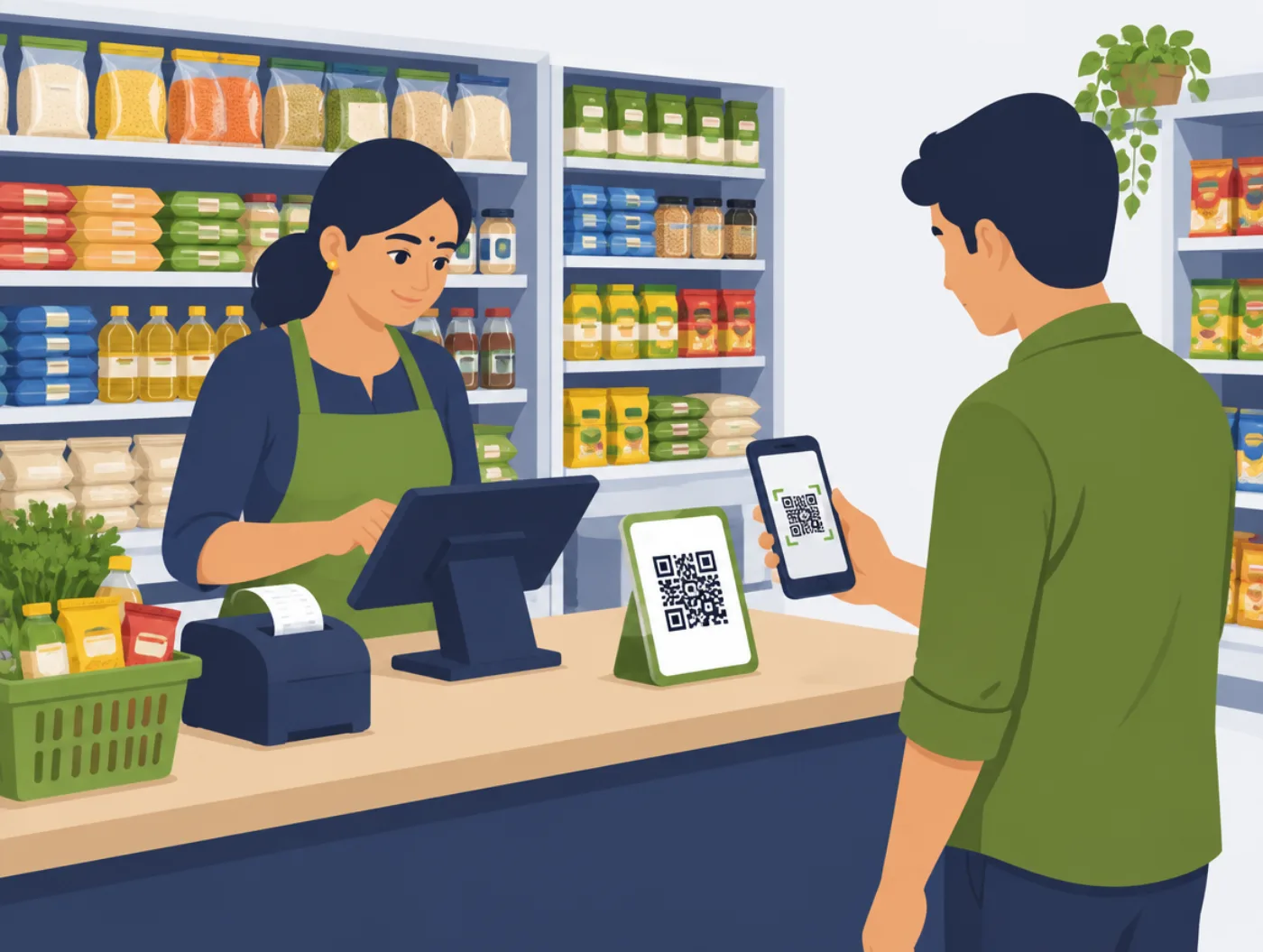
A kirana store makes many small bills, often with loose items and quick discounts. Billing software for a grocery store must be fast before it is clever. If a bill takes longer than writing one by hand, the cashier will go back to the pad.
Bring your product list from Excel instead of typing every item. With rates set once, a new cashier can bill correctly after one training session.
How Simple POS handles GST
In Simple POS, you set tax rates and discounts once, and bills show GST correctly. Stock updates on every sale. The daily report shows sales and the split between cash, UPI and card, and you can export to Excel any time.
It runs on a PC, laptop or tablet you already own. Simple POS is a one-time purchase with no monthly fee, and we help bring your product list from Excel. Ask us on WhatsApp for a quote. If phone enquiries also eat your day, see our guide on missed calls. If you sell wholesale to other shops, read our wholesale billing guide.
Checklist before you buy
Tick these off in the demo. If any is missing, ask why.
- Tax rates and HSN codes are set once per item
- Bills show CGST and SGST, or IGST, correctly
- The software can print a bill of supply if you are on the composition scheme
- UPI, cash and card go on the same bill
- Your accountant can get an Excel export any time
- A new cashier can bill correctly after one session
Questions to ask any seller
These work for any software company, not only Cyberzio.
- 01Can I see a GST bill made from start to finish in the demo?
- 02How do I set the tax rate and HSN code for my items?
- 03Can it print a bill of supply for a composition dealer?
- 04What does my accountant get at month end, and in what format?
- 05Can I import my product list from Excel?
- 06Is the price one-time, or is there a monthly fee?