Buying guide7 min readUpdated
Turf and Box Cricket Booking Software: A Guide for Venue Owners
How to stop double bookings and fake payment claims, and why the money should reach your UPI directly.
On this page
Running a turf, box cricket arena or court means your phone never stops: 'Is 8 pm free on Saturday?', 'I paid, check please', 'Can we shift to 9?'. Bookings sit in chat threads, and one wrong reply means two teams arrive for the same slot.
This guide explains what booking software should do for a sports venue in India, how commission-based apps compare with direct UPI, and how TurfAccess works. If calls are your biggest headache, also read our guide on missed calls.
What venue booking software must do
For a turf or court, these jobs matter more than any fancy feature:
- A live slot calendar for every court, so players see what is actually free
- Booking from a link and on WhatsApp, without a player app
- Advance payment by UPI, checked before the slot is confirmed
- Different prices for evenings, weekends and quiet hours
- Memberships and coupons for regular teams
- Tournaments run from the same calendar
- Separate logins for the manager and front-desk staff
Commission apps vs direct UPI
Some booking apps list your venue and take a cut of every booking. That can bring new players, but the commission comes out of every slot, including teams who would have booked with you anyway.
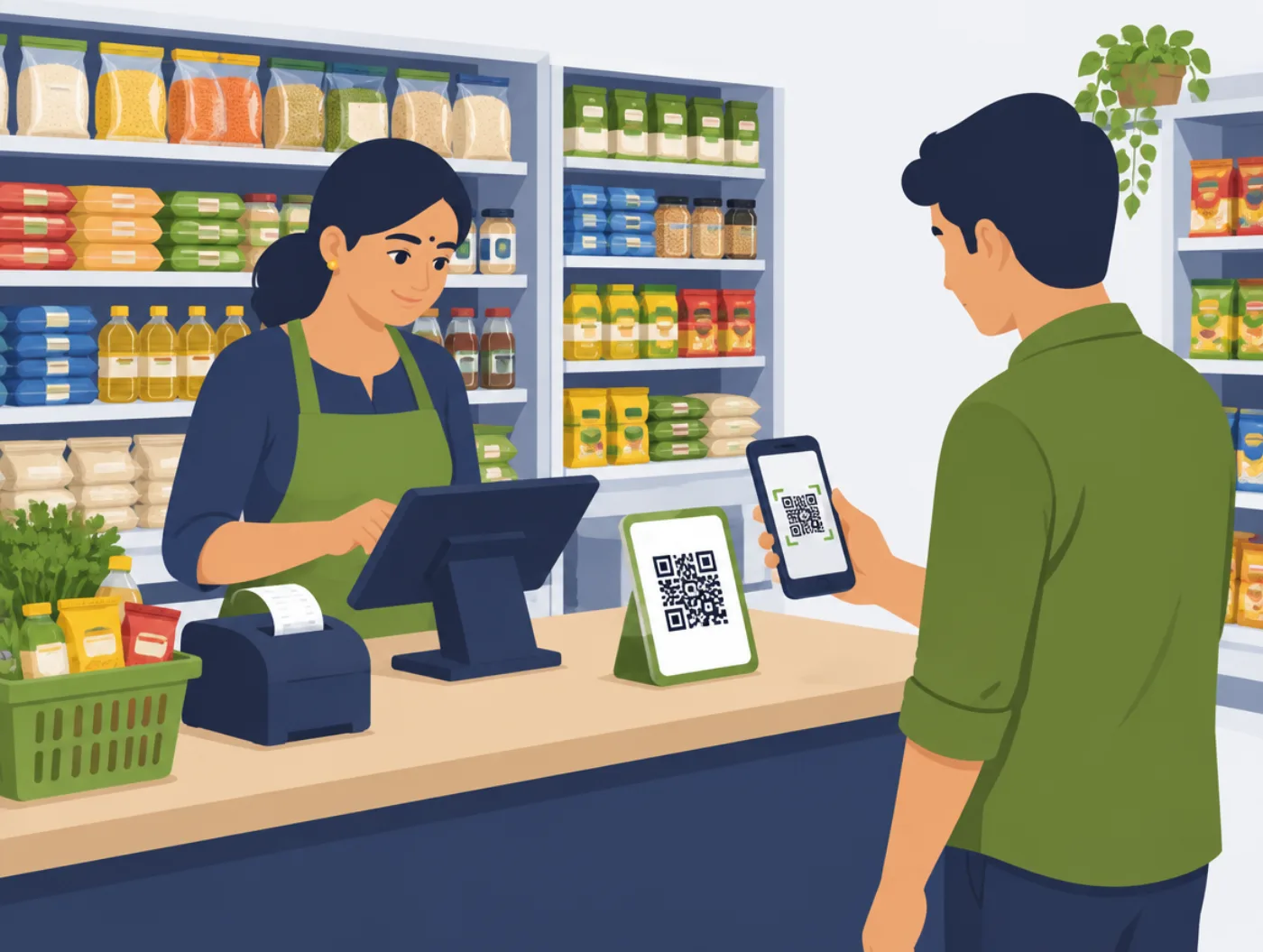
With direct UPI, players pay the advance to your own UPI QR. You keep the full amount. TurfAccess works this way: the player shares the UTR number, and TurfAccess checks it before confirming the slot, so 'I paid' claims without a payment are caught.
| App taking 10% commission (example rate) | TurfAccess with direct UPI | |
|---|---|---|
| Where the money goes | Through the app, then to you | Straight to your UPI |
| Cost for 100 bookings | ₹12,000 in commission | About ₹1,198 (two 50-booking packs at ₹599) |
| Walk-in bookings | Depends on the app | Free |
| Monthly fee | Depends on the app | None |
Peak pricing, memberships and tournaments
Evening and weekend slots sell out; weekday afternoons do not. Pricing by time and day lets you charge more for peak slots and less for quiet hours, which fills the calendar instead of leaving courts empty.
Regular teams want a simple deal. Memberships and coupon codes reward them without you tracking discounts in a notebook. Tournaments block slots on the same calendar, so a league match never clashes with a paid booking.
Which sports and venues it suits
TurfAccess supports 13 sports, including box cricket, football, pickleball, padel, badminton and swimming. It suits single-court venues and multi-court arenas alike, because every court has its own slots and prices.
Setup takes about five minutes on your phone: register the venue, add courts, hours and prices, then share your booking link and WhatsApp link with players.
What TurfAccess costs
There is no monthly fee and no commission. You buy booking credits: from ₹599 for 50 bookings up to ₹11,799 for 1,250 bookings, GST included. That works out to about ₹12 a booking on the smallest pack and under ₹10 a booking on the largest. Walk-in bookings are free.
Current packs are on turfaccess.com. For questions about Cyberzio as a company, see the FAQ.
Checklist before you buy
Tick these off in the demo. If any is missing, ask why.
- Players can book without installing an app
- Advance payments go to your own UPI
- Payments are checked before a slot is confirmed
- Peak and quiet hours can have different prices
- Each court has its own calendar, so there is no double booking
- You know the full cost per booking, including any commission
Questions to ask any seller
These work for any software company, not only Cyberzio.
- 01Where does the player's money go: to me, or through your account first?
- 02Do you take a commission on bookings? How much?
- 03How are fake 'I paid' claims caught?
- 04Can players book on WhatsApp as well as a link?
- 05Can I set different prices for evenings and weekends?
- 06Is there a monthly fee, or do I pay per booking?